
Files, Like Thoughts

Just like a thought, sometimes a file pops into your life that you don’t want to lose. Historically, our best option has been to bury those files in folders, emails, or camera rolls. I’ve taken countless photos of things that inspired me, but they remain countless (and me, uninspired) because they were just too damn hard to find.

Well, no more.
Just like a thought, you can now capture and organize files in your brainspace.

You might not be surprised to learn that files work just like everything else in Brainspace. Simply create a new node and drop in a file, or click the media button. Just like notes and links, files aren’t just stored—they’re alive in the system. Once a file is in your space, you can add it to lists, attach notes, apply templates, and create views; it’s integrated into your second brain.
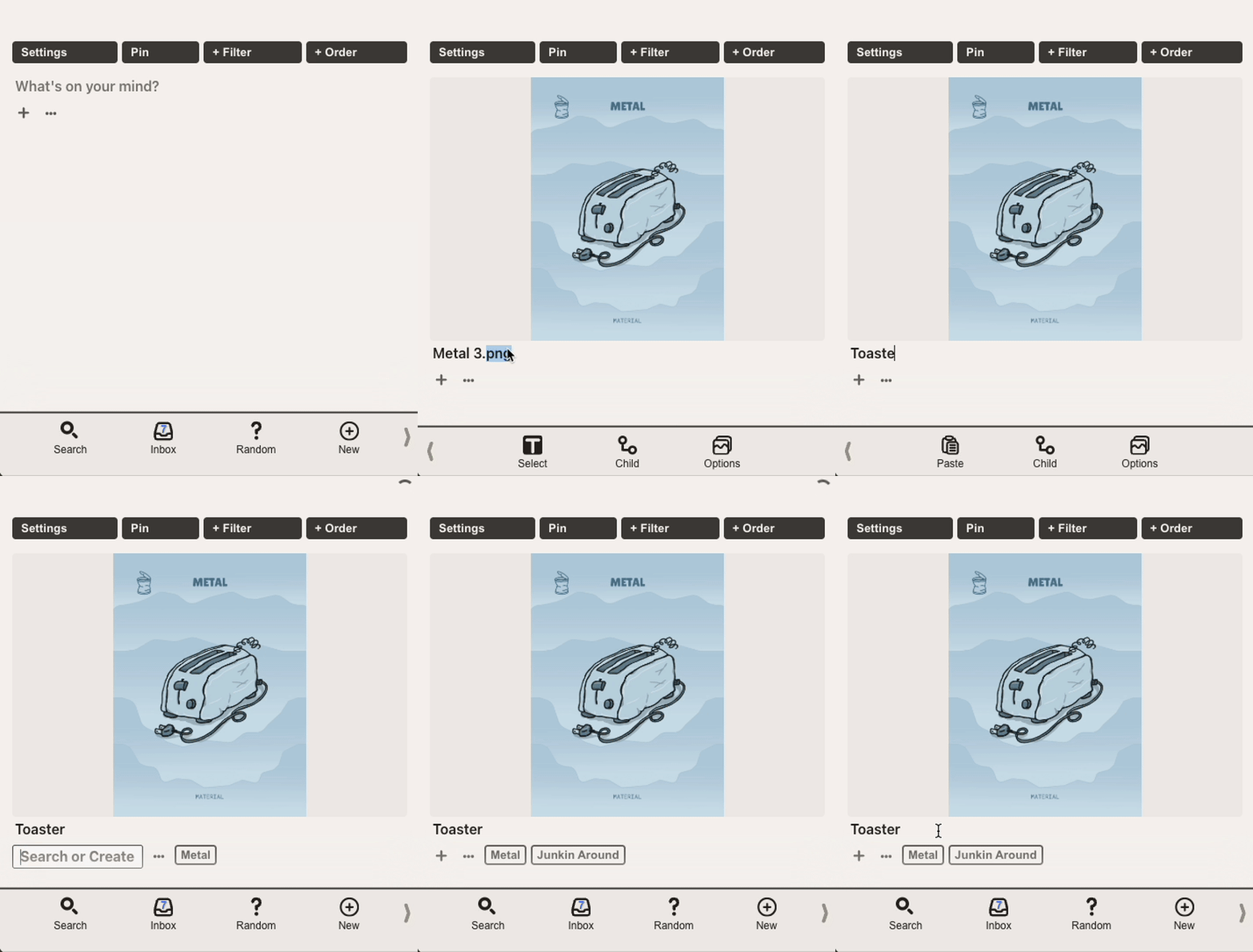
Thanks to all of you who requested this feature. I’ve been wanting to build it for years, but your requests were the push I needed. I’ve been collecting work-in-progress photos of a new game I’m developing, organizing old audio recordings, saving PDFs for quick reference, and collecting videos of my kids.

It’s already been a huge boon to my process, and I’m excited to see what y’all do with all these different media types at your fingertips. Give it a try and report back. This is still a pretty fresh feature, so if you run into any issues, please let me know 🙇
Learn. Think. Do.
- Timmer, User 1
morebrain.space